Materials & inventory
Receive, use, transfer and return stock, with low-stock alerts.
Learn moreRequest quotes, compare them side by side, award the order and record what actually arrived. Stock and bills follow automatically.
The problem
For: Project leads, owners and finance (site in-charge records receipts)
How it works
Pick the items and vendors, then enter each vendor’s quote.
See the quotes per item with the lowest marked. Awarding creates a purchase order for each vendor.
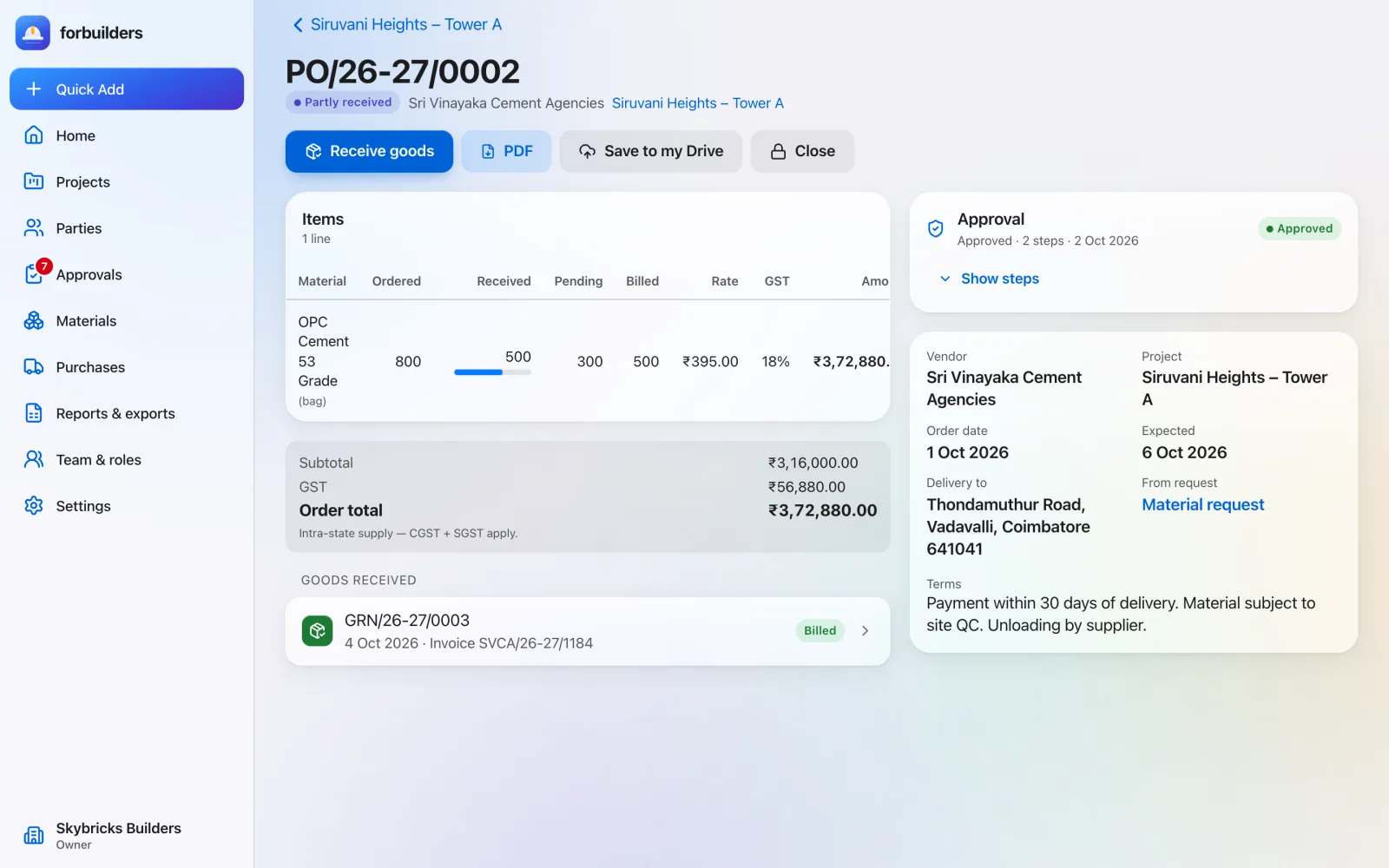
Record what arrived, including part deliveries and rejected quantity. Stock updates by itself.
What you get
Everything on this page is live in forbuilders today.
FAQ
Yes. Set an approval rule for purchase orders, for example above an amount, and the PO waits for approval before it goes out.
Record a GRN for what came. The PO shows as partly received until the rest arrives or you short-close it.
Yes. Site In-charge members can record GRNs. Bills stay with finance, project leads and owners.
Works well with
Receive, use, transfer and return stock, with low-stock alerts.
Learn moreDecide who approves what. Nobody approves their own entry.
Learn morePayments, expenses, invoices and bills, with the GST split done for you.
Learn moreFree during early access. Sign up with Google or email, add a project and invite your team in about five minutes.